The Figma file got too big to open. So I redesigned how we design installations.
Physical installation is the hardest part of setting up a smart device — and at 70+ devices, Ring had no single source of truth for it. I built the framework that gave five teams one.
See alsoThe digital setup system above this layer is covered in Modular Device Setup.
Everything in the app can be undone. A camera mounted at the wrong height cannot.
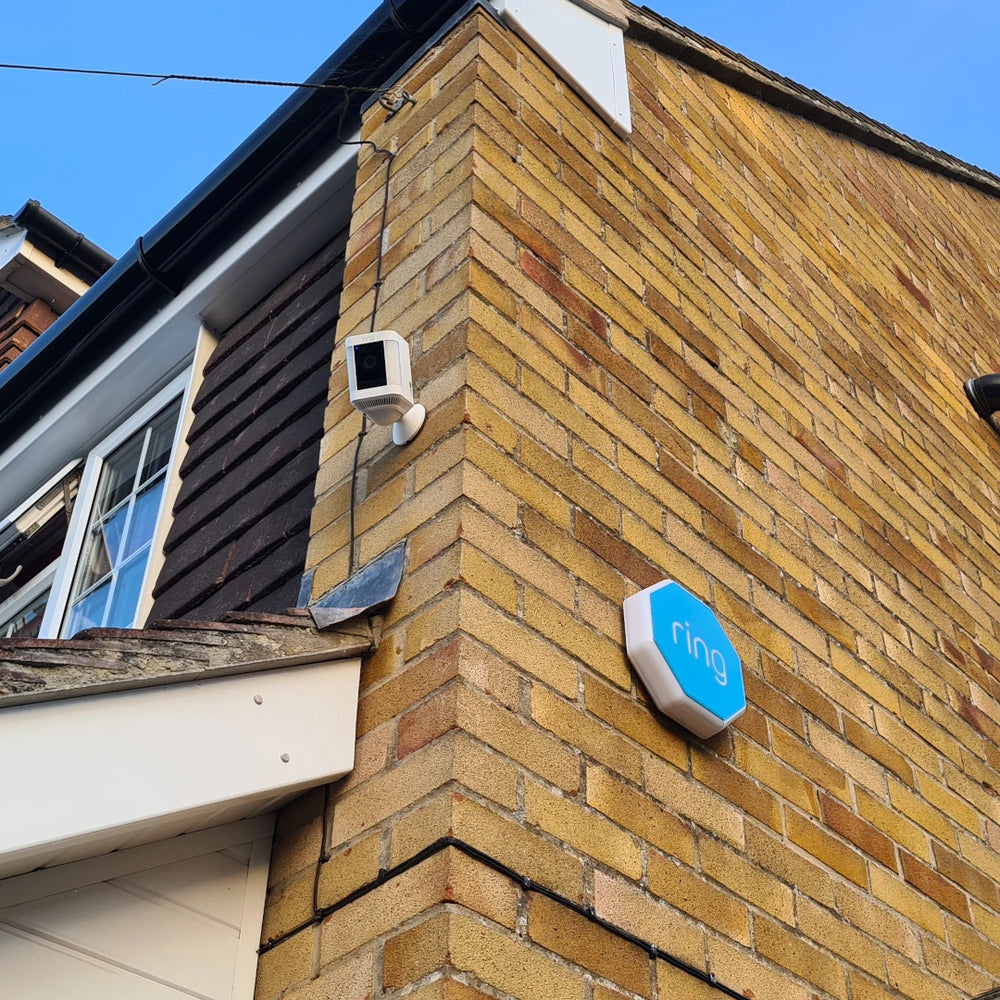
Physical installation is the most difficult stretch of any device setup: it depends on the building, the mounting surface, the tools someone has, whether the device was already installed by someone else, and a long tail of conditions that don't exist anywhere in software. Every one of those conditions is a branch in the flow.
At 70+ devices, that produced a Figma file so large it exceeded the system's size limits. Which was the symptom. The actual problem was that Product, Engineering, QA, Content and Design were each maintaining their own partial understanding of flows nobody could see end to end.
The bet: splitting the file solves the file, not the problem.
What was missing wasn't storage — it was a shared structure the flows could live inside, that all five teams could read, modify and extend without asking a designer. So I built the framework first and let the flows follow from it.
Audit the patterns
I audited every existing installation flow across the catalogue and pulled out the UX patterns that were genuinely distinct from the ones that were just different-looking versions of the same thing.
Then I documented them properly — not just what each pattern is, but the rules for using it, modifying it, and adding new ones, with explicit guidance for edge cases. That last part is what stopped the framework from decaying the moment I wasn't in the room.
Give it an architecture
With the patterns defined, I ran workshops and interviews with each team and proposed a schema for the information architecture.
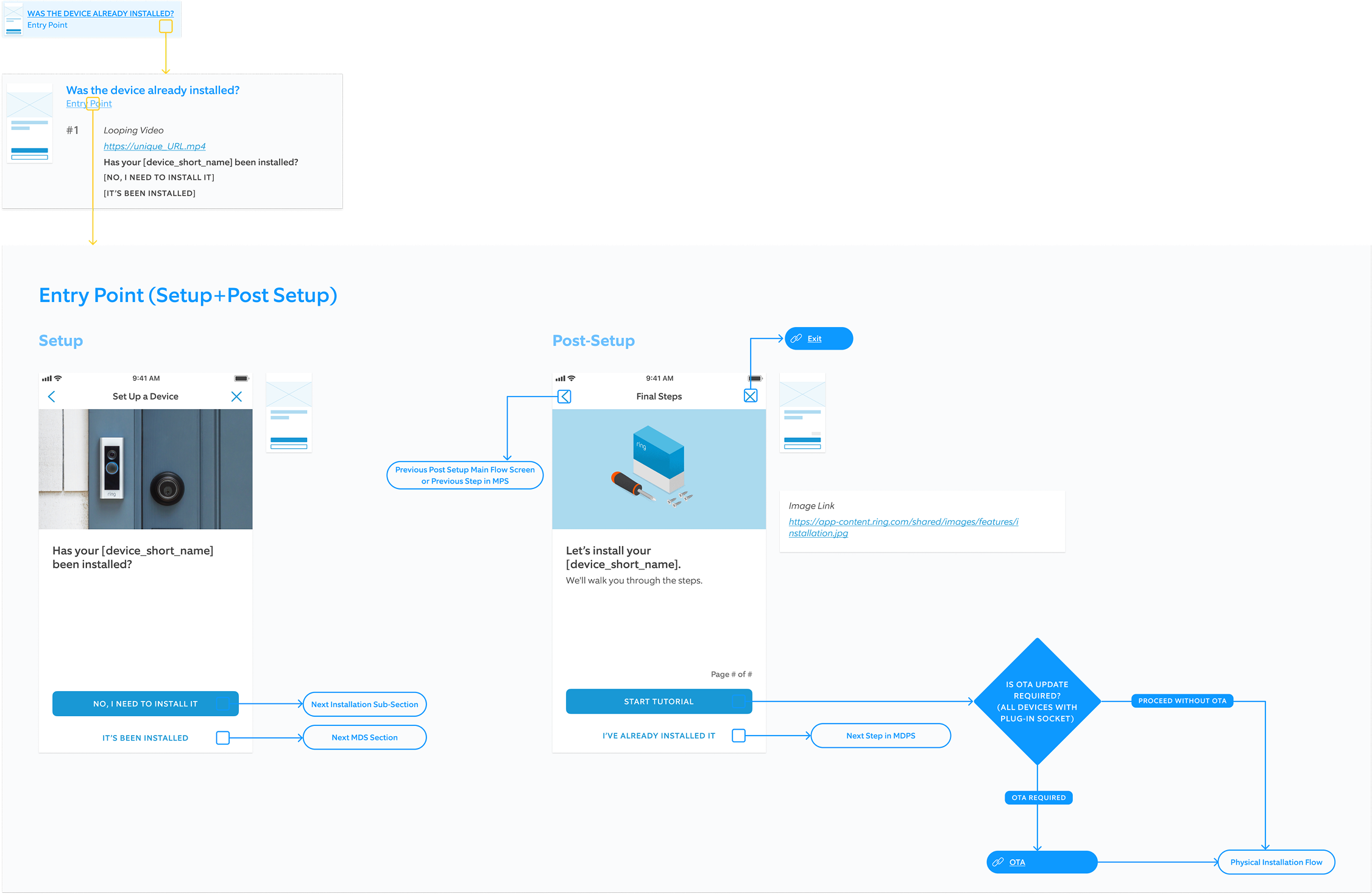
Every device now has a flowchart in Figma covering all of its conditions and use cases — and every element in that flow is linked to two things: a visual UX pattern, and the specific content (copy and assets) for that device. Change the pattern, it propagates. Change the copy, it's in one place.
The file went from an unmaintainable artifact to the thing five teams work inside.
What I'd change
AI instruments were limited back then, so the audit and the pattern documentation were mostly manual work. Today I'd actively bring them into a project like this — to make the process faster, more automatic, more creative, and more reliable.